Shipped · 2026
Terrazzo
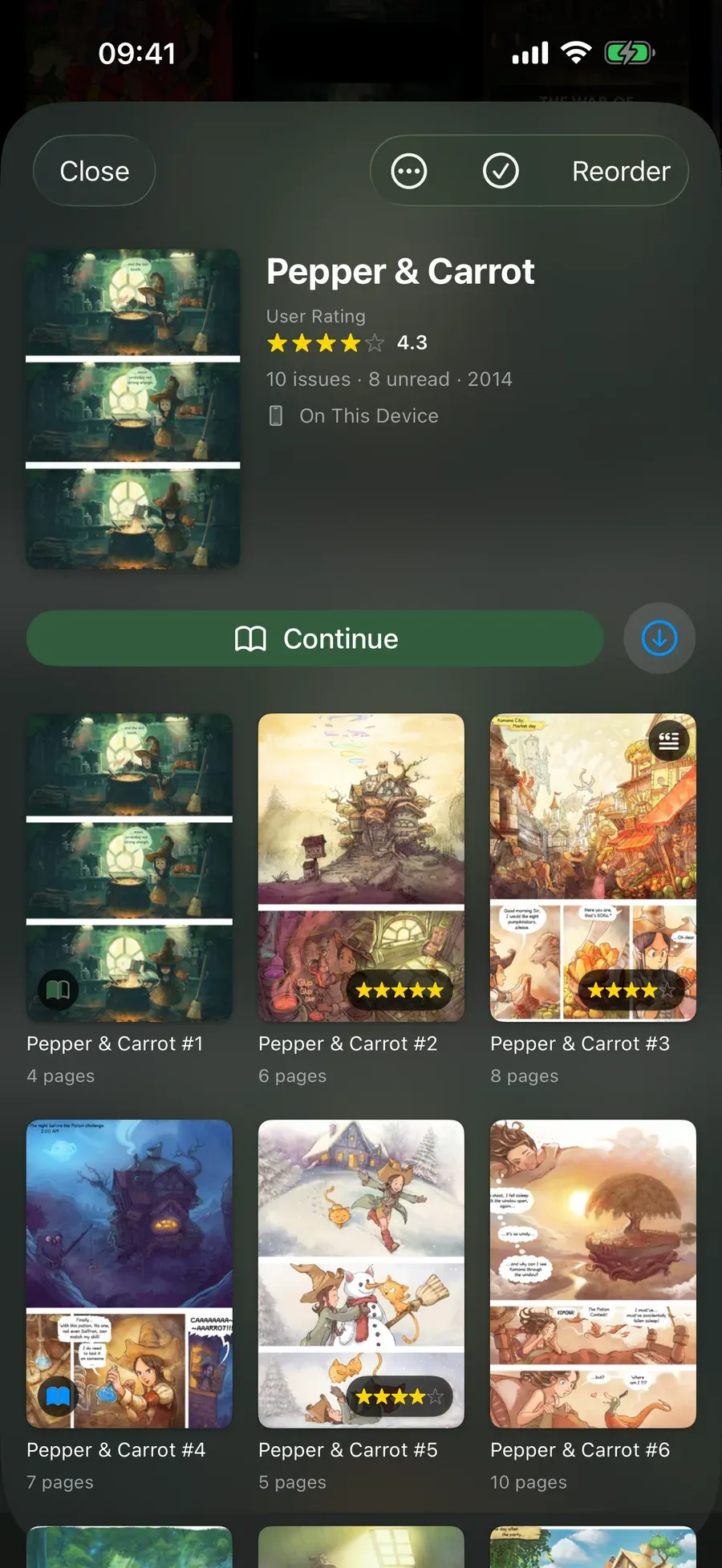
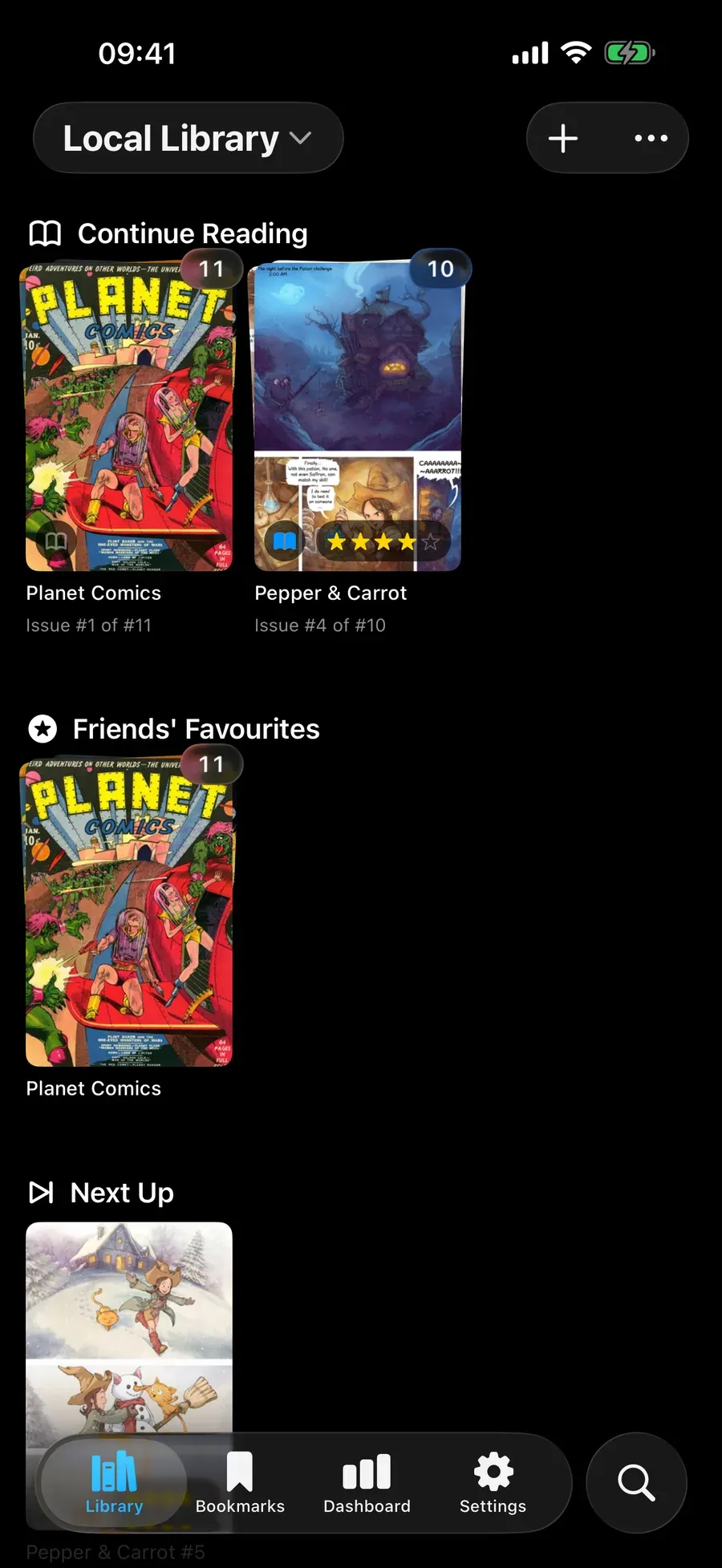
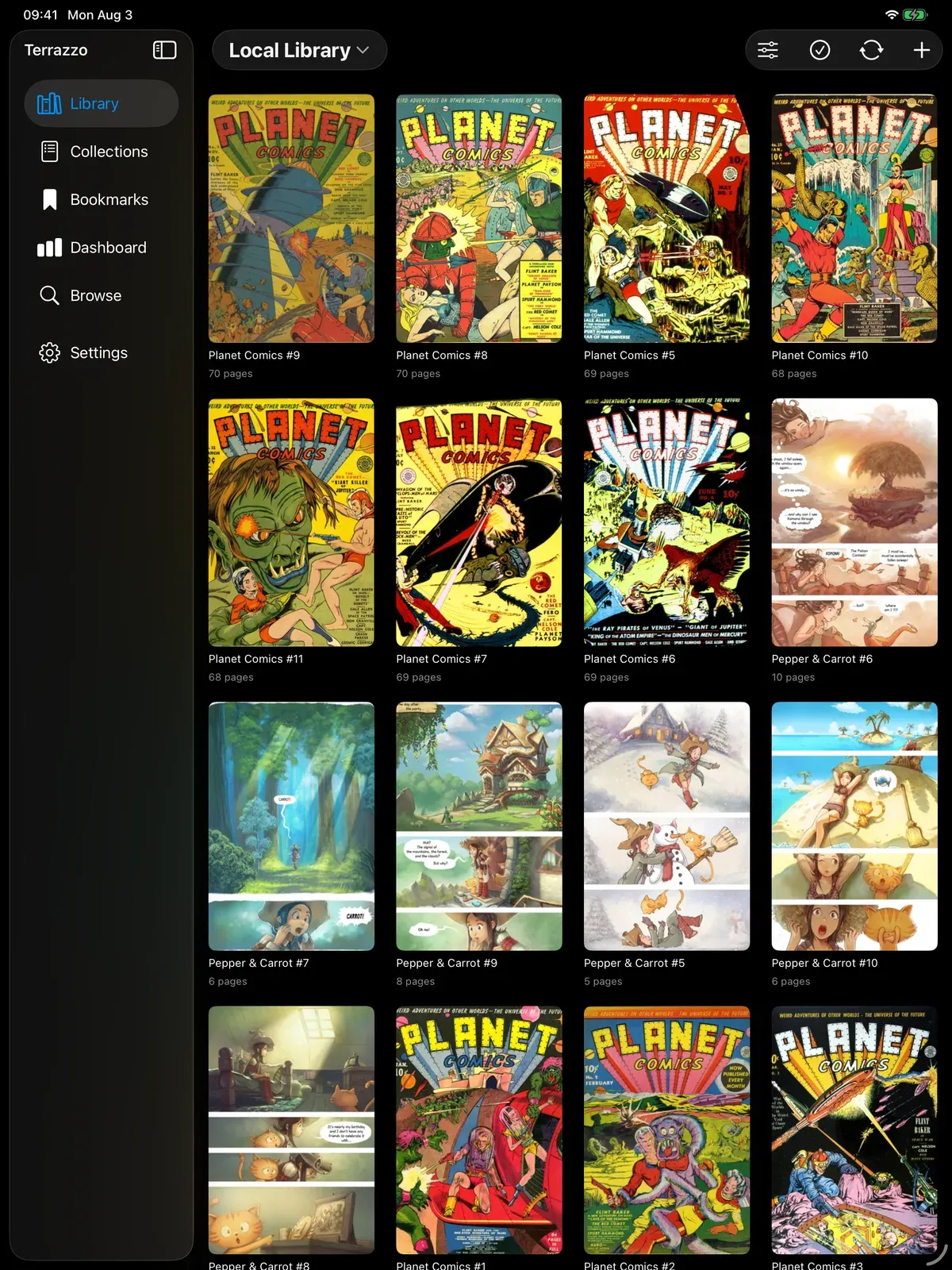
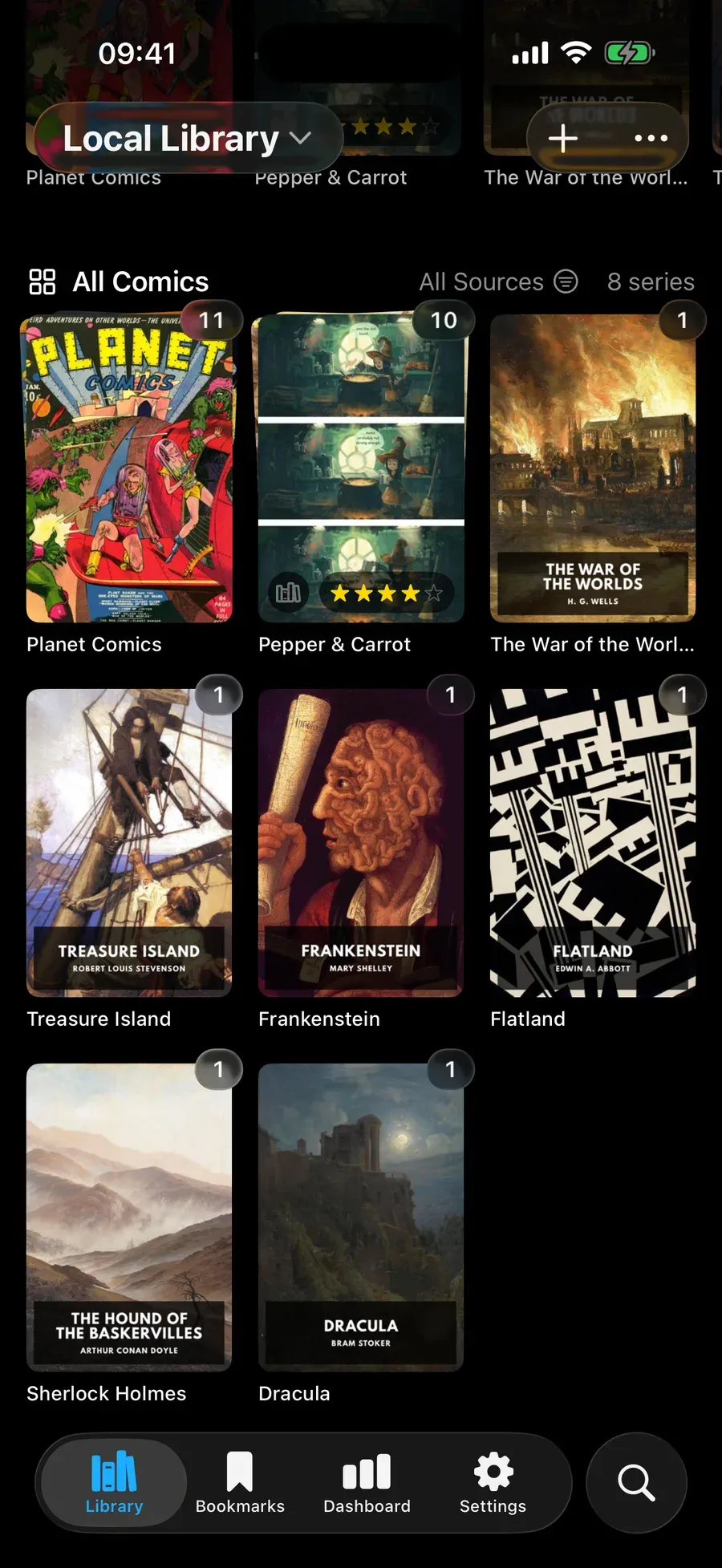
A native iOS and iPadOS reader for comics, manga and EPUB books, with CloudKit library sync and a friend-sharing layer. On the App Store since September 2026.
Swift · SwiftUI · SwiftData · CloudKit · Swift 6
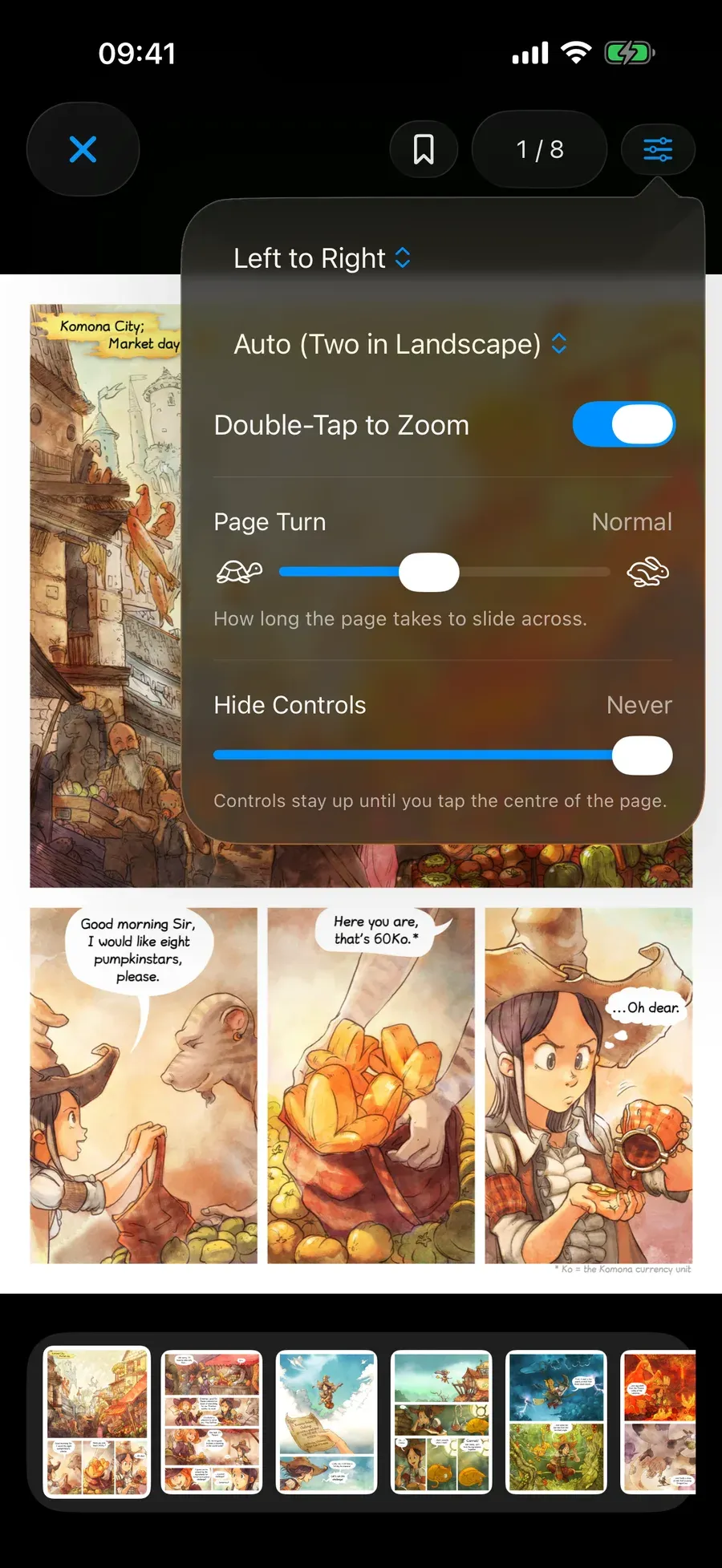
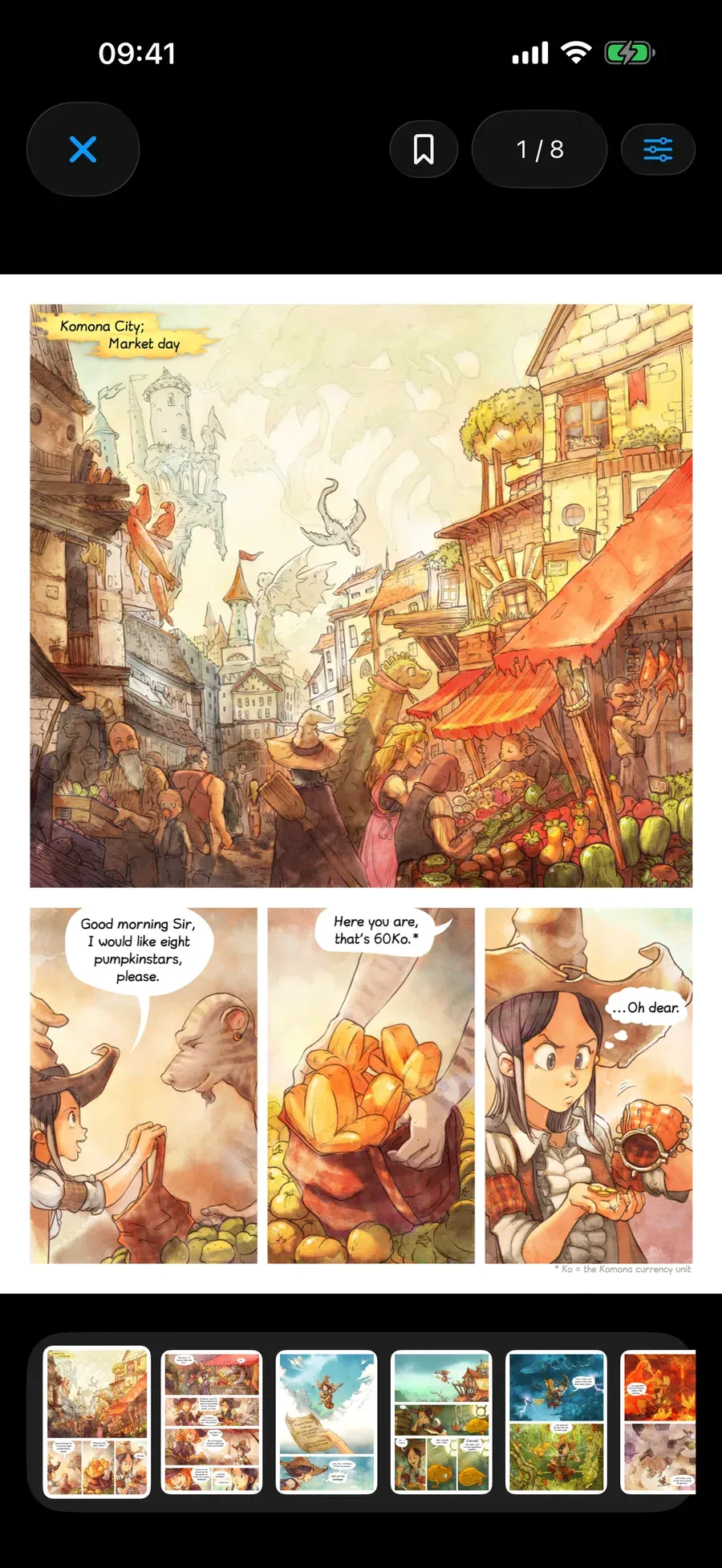
Terrazzo reads CBZ, CBR, image-paged PDF and EPUB. The first three are paged image formats and share one reader; EPUB is reflowable text and has its own. It runs on iOS and iPadOS, and on Apple silicon Macs as a “Designed for iPad” build.
It shipped on the App Store in September 2026, the same week as iOS 27, and the public TestFlight beta stays open for builds ahead of each release. The listing name is Terrazzo: Comic & Manga Reader, since the bare name was already taken.
Sync
Three separate systems keep a library consistent, and I lost the most time early on by treating them as one:
- Library sync, meaning which books exist, their metadata, series grouping.
- Reading progress, meaning where you are in each book. It changes constantly and needs to land on another device in seconds, not minutes.
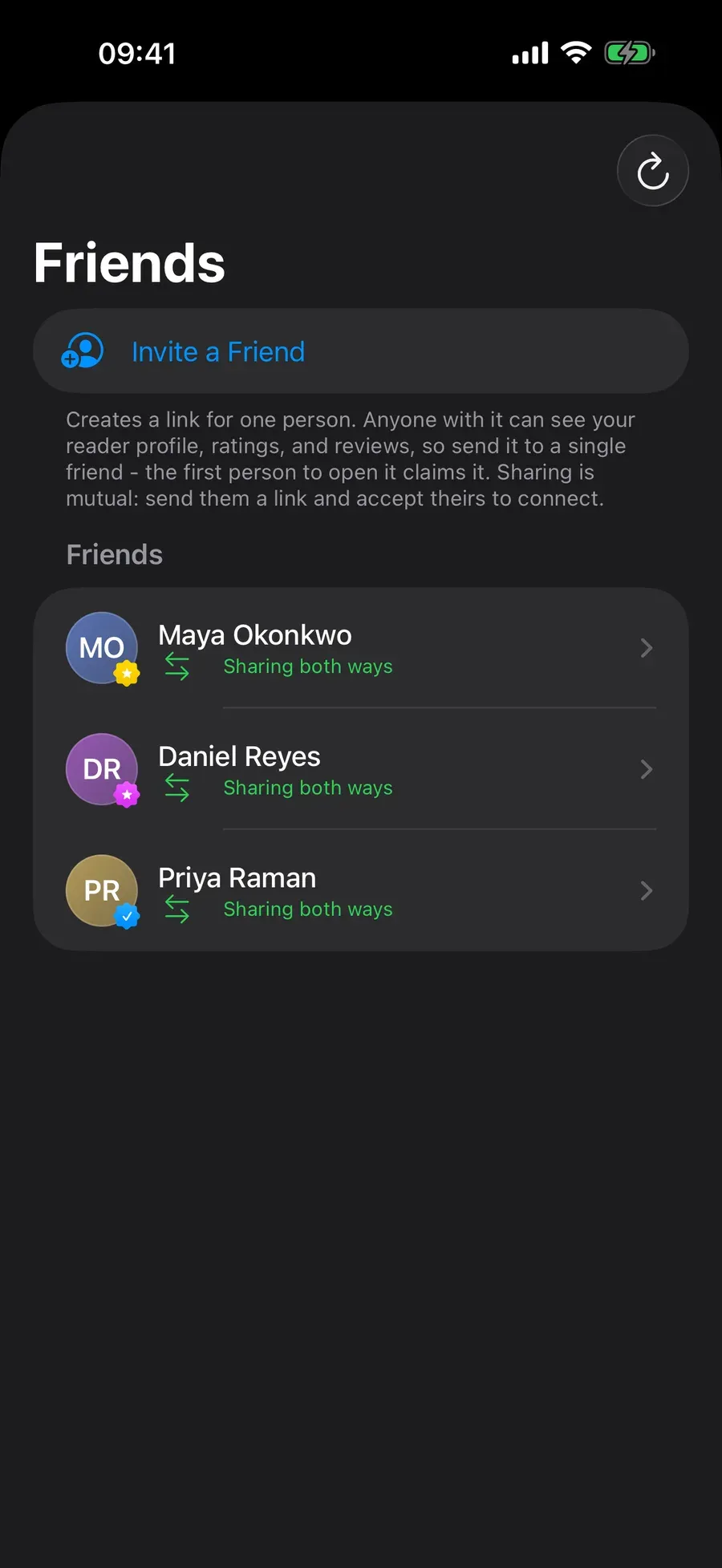
- The Friends layer, shared libraries and social reading, built on CloudKit sharing instead of the private database.
Progress and metadata each carry their own timestamp. With a single stamp, opening a book on one device and editing its metadata on another produced a conflict where one edit silently won. Splitting them made the rule easy to write down.
Swift concurrency throughout
CloudKit sync, library scanning and network reads all run off the main thread using async/await, actors and structured tasks, so the UI stays responsive while a large library is being indexed. The project builds under the Swift 6 language mode, which forced most of the data-race questions to be answered at compile time.
Reading from a server
Beyond local files, Terrazzo reads from Komga servers and from SMB shares, so a library living on a NAS doesn’t have to be copied to the device first.
The parts that aren’t the app
A widget extension, Spotlight indexing, a Continue Reading shelf, and StoreKit licensing for the Supporter tier. Two targets ship in the bundle, and their build numbers have to match, because a mismatch is a rejected upload and a silent one. A test asserts it, so it is not something I have to remember.
Testing
167 test files and 2,227 test declarations under Swift Testing, covering the format parsers, sync and conflict resolution, licensing, and reading statistics. The suite runs against a zero-warning baseline: the only warnings in a clean build come from a vendored C dependency, so a new one is easy to spot.
It has caught real problems twice, including the build-number mismatch above, which doesn’t show up as a compile error or in any file you could grep.
A closer look